Free Android app · Android 8.1 and later
 Glint
Glint
See a relief on your own wall at its true carved size, before you carve it or buy it. Point your phone at the wall; the piece hangs there, life size.
No account, no ads, nothing to buy in the app.
How it works
From the catalogue to your wall
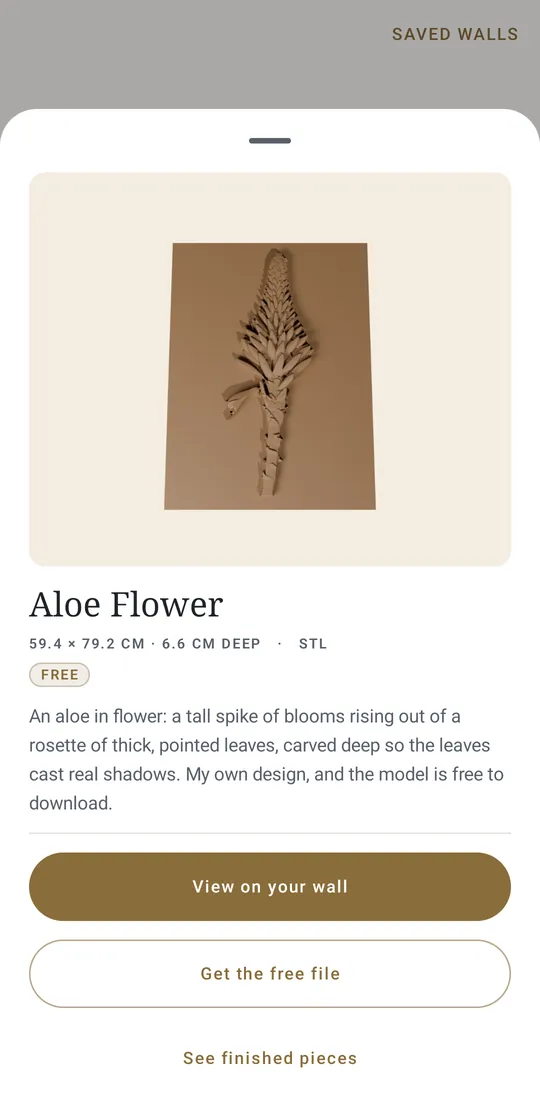
Every piece in the catalogue has its measurements. Glint builds the piece at that size and puts it where you point.
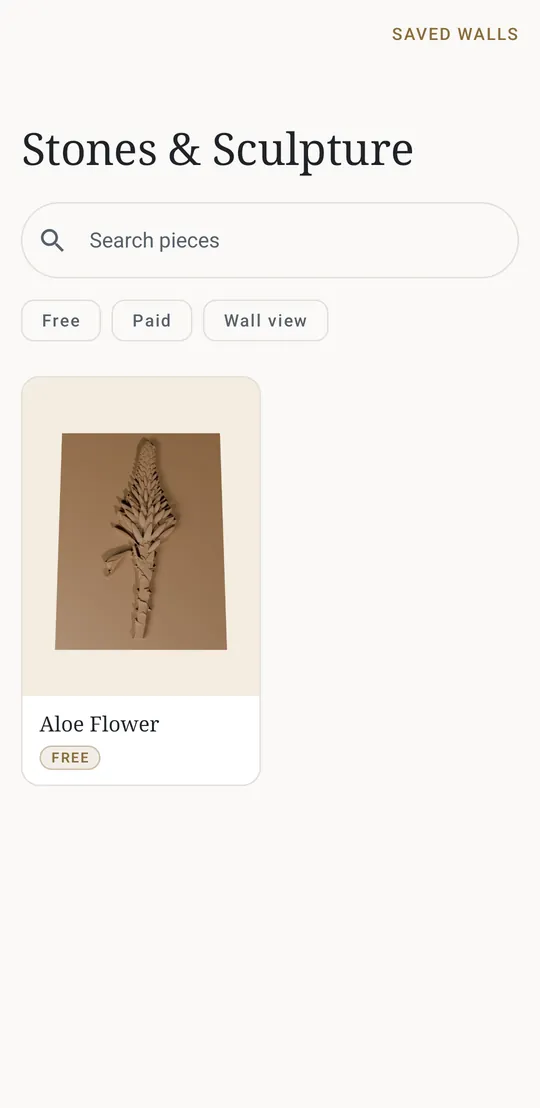
- BrowseThe reliefs from this site, with sizes and prices. Search and filter.
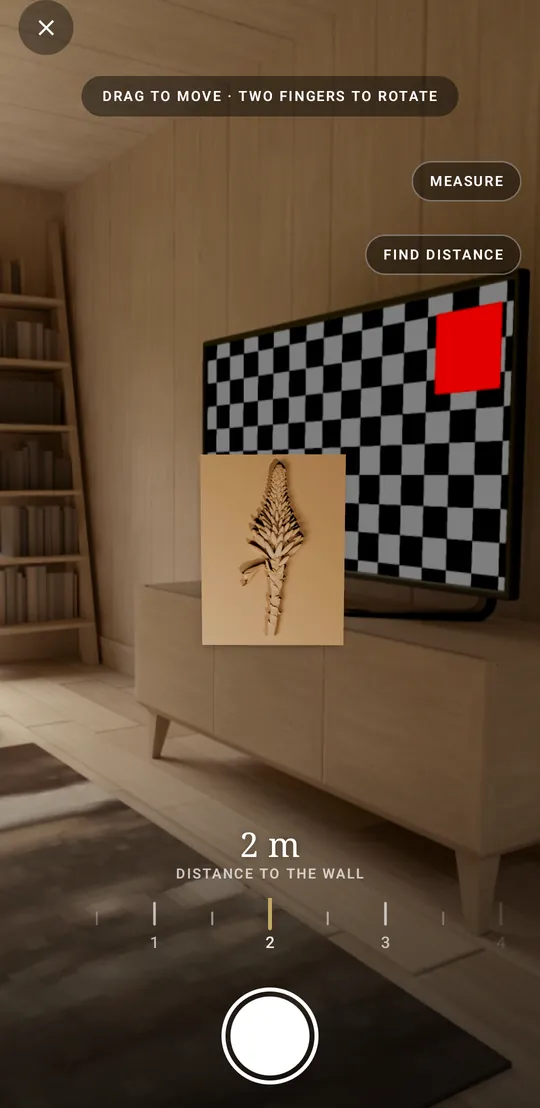
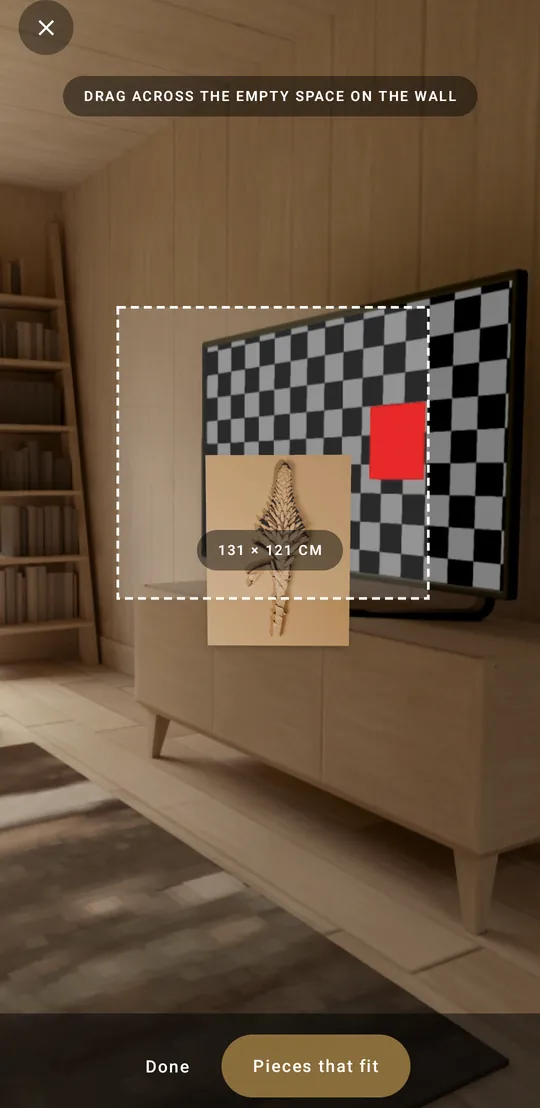
- PointOpen the wall view and point the back camera at the wall.
- DistanceARCore finds the wall itself; otherwise set how far away it is.
- PlaceDrag it along the wall; twist two fingers to straighten it.
- CaptureShare it or save it, in the shape the feed wants.
True size without AR
The lens does the measuring
Phones with ARCore track the wall in 3D. Every other phone with a back camera gets the camera wall view: the camera’s own sensor size and focal length give its field of view, and with the distance to the wall that fixes how wide a real centimetre looks on screen.
So the piece is drawn at its true size for the distance on the dial — and the motion sensors keep it level as you hold the phone up.
Find the distance
Don’t know how far the wall is?
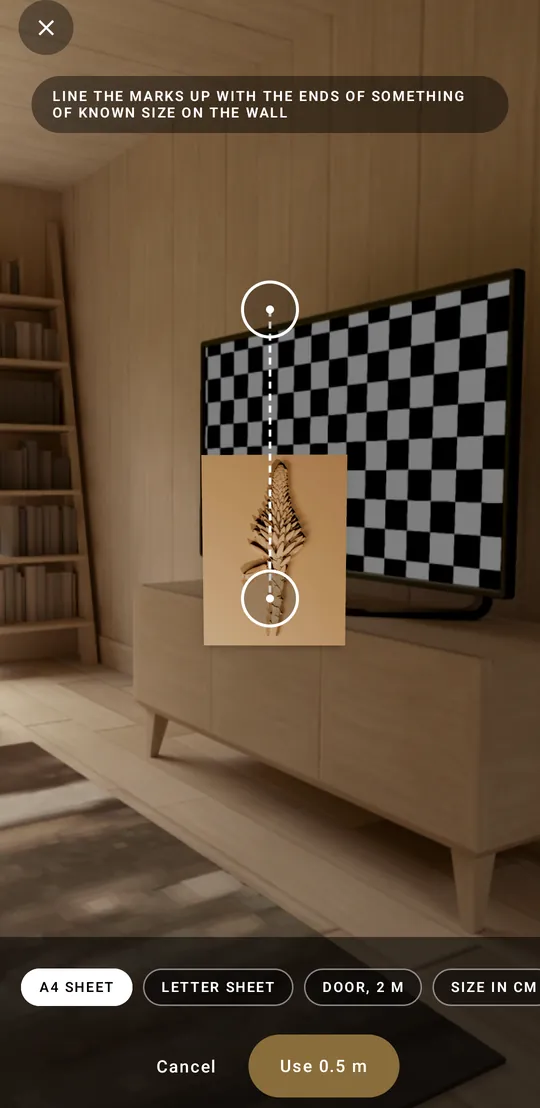
Line two marks up with the ends of something of a known size on the wall — an A4 or Letter sheet, a door, or any length you type in centimetres — and Glint works the distance out from the lens. It works on any phone.
Where the camera reports how far it has focused, Glint also offers that reading once the focus has settled.
What is in it
Made for deciding, not for buying
Glint sells nothing: every file and finished piece opens on this site. Everything below is in the app today.
Two wall views
Tracked AR on ARCore phones; the camera wall view on every other phone with a back camera.
True size, never rescaled
Each piece is built from its catalogue measurements, as a stone block with its front image on the face.
A distance dial
Half a metre to six, under your thumb while you hold the phone up, with a click at every step.
Distance from a known size
A sheet of paper, a door or a length you type: line it up and read the distance.
Focus as a rangefinder
On phones whose camera reports its focus distance, a reading to use with one tap.
Measure a space
Drag across empty wall to read its size, then see the pieces that fit it.
Two pieces side by side
Hang a second piece next to the first, both at true size, and compare.
Drag and twist
Slide it along the wall with one finger; straighten it with two.
Kept level
The motion sensors hold it upright on the wall, with or without a gyroscope.
Four share shapes
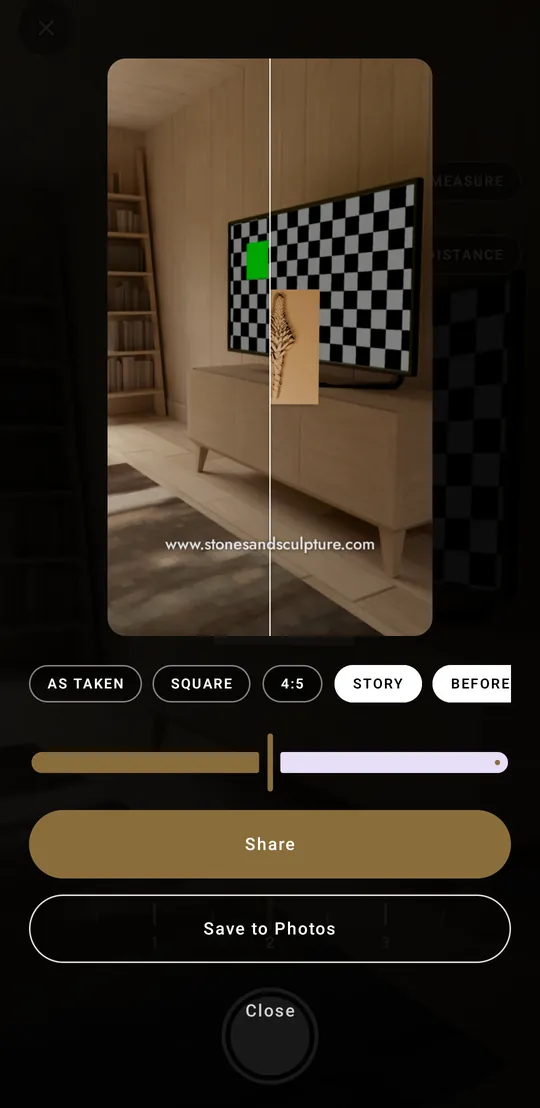
As taken, square, 4:5 or a 9:16 story, each cut around the piece.
Before and after
The same wall with and without the piece, split at a divider you drag.
The address on every picture
Every capture carries www.stonesandsculpture.com, set as the videos set it.
Save to Photos
Into the phone’s own gallery, on every Android version from 8.1.
Saved walls
Your captures stay on your phone, nowhere else.
Search, filter, offline
Find a piece by name, tag or price; after the first load it all works without a connection.
A look around
The app, as it is
Screens from the current build.
Early access
Test Glint on Android
Glint is in testing on Android. Google needs two steps, and both want the same Google account your phone uses for the Play Store.
- Join the testers group. Sign in with that same Google account, then click Join group. This is the list Google checks.
- Open the test on Play and accept. Then install Glint from the Play Store as usual.
Joining can take a few minutes to reach Play — if step 2 says you are not a tester, wait a little and reload. Already in the group? Step 2 is all you need. Leave whenever you like; a closed test only counts testers who stay opted in.
Any phone with Android 8.1 or later and a back camera. Nothing to pay, no account in the app.
The build on Play right now came before the camera wall view: until the next one arrives, a phone without ARCore stops at a “can’t run AR” screen.
Plainly
What Glint does not do
No account, no ads, nothing to buy inside the app — the carving files and finished pieces live on this site, and Glint opens it when you are ready. The camera is used only while a wall view is open, and nothing is kept unless you take a picture. Nothing about you or your walls leaves the phone.
The wall view shows the front of each piece as an image on a true-size block: it does not yet show the relief’s depth changing as you move, or the zirconia catching the light.
Not testing?
On iPhone, or would rather wait for the finished thing? Get a note when Glint reaches the store.